
16th May 2026
No Good single turned 32 years!
On this day, 32 years ago, The Prodigy's single "No Good (Start The Dance)" was released.

Since 1998, theprodigy.info has collected all the necessary information about the British electronic band The Prodigy in one place. This site contains most of the stuff you would ever like to know about the band.
On this day, 32 years ago, The Prodigy's single "No Good (Start The Dance)" was released.
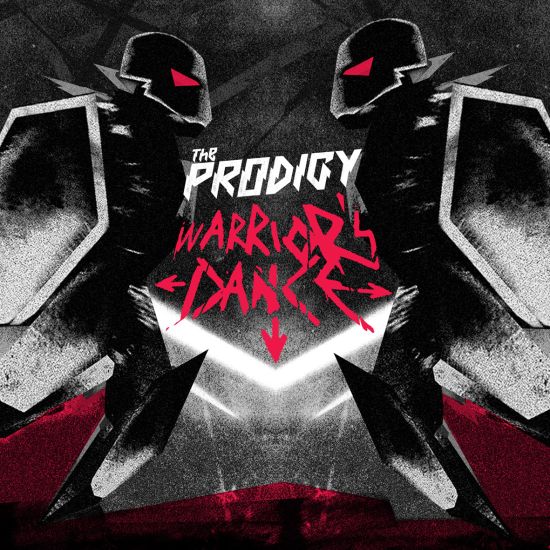
Exactly 17 years ago this day, the single "Warrior's Dance" was released.
"Warrior's Dance" is the twentieth single released by the Prodigy on 11 May 2009.
A highlight from Sleaford Mods' acclaimed The Demise Of Planet X album, Elitest G.O.A.T. had already brought together the duo's minimalist electronics and Aldous Harding's light-as-a-cloud guest vocals, but why not throw The Prodigy into the mix? Bolstered with vicious beats and squelchy synths, The Prodigy have upped the elite levels with their Acid Thunder Mix, seamlessly fusing their pioneering spirit with Sleaford Mods' innovative energy. The G.O.A.T. just got greater.
See the music video below and read more about the release here.
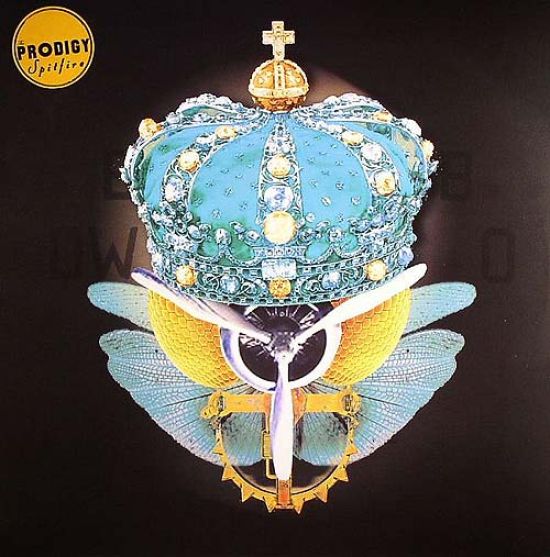
"Spitfire" is the 3rd and final single by The Prodigy, released in support of the album "Always Outnumbered, Never Outgunned" released in 2004.
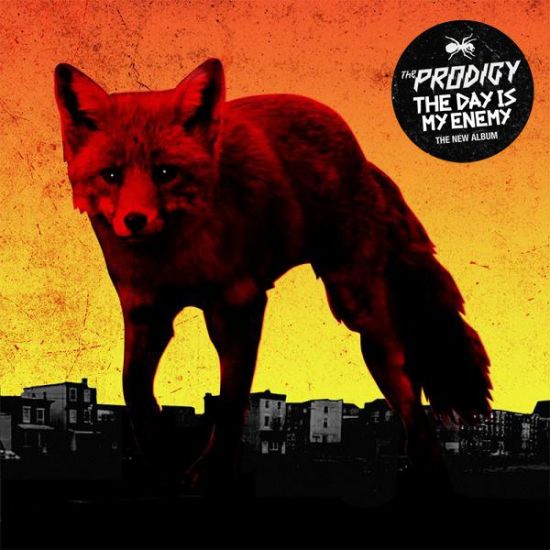
The Day Is My Enemy is the sixth studio album by The Prodigy. It was released on 30 March 2015 by record labels Take Me to the Hospital/Cooking Vinyl in the UK and Three Six Zero Music/Warner Bros. Records in the United States.
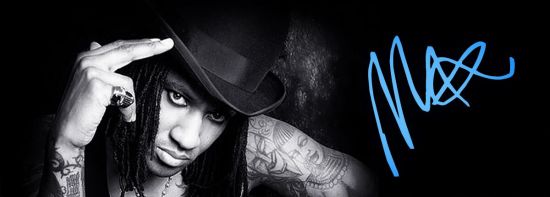
The Prodigy MC celebrates his 58th birthday today. Congrats! We are also celebrating that with updated sections. Read more about Maxim on his personal bio or solo works page.

The Prodigy's ground breaking number-one single Firestarter was released exactly 30 years ago this day.
To commemorate the 30th anniversary of this song this new 12 inch was released.
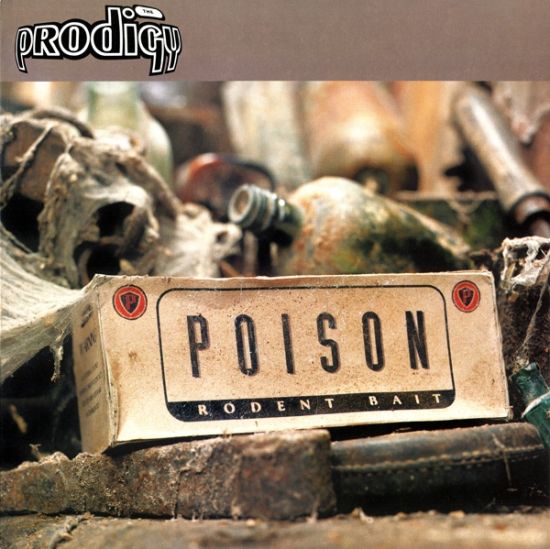
On this day, 31 years ago, the single "Poison" was released.
It was a number one hit in Finland, while peaking inside the top five in Ireland and Norway. Additionally, it peaked within the top 30 in Sweden and Switzerland.

Your fire will never go out:
Biography
Photos
Solo works
Quotes

On this day, exactly 35 years ago the EP "What Evil Lurks" was released.
The 12" vinyl record was released in a limited number in 25 February 1991, selling around 7,000 copies.
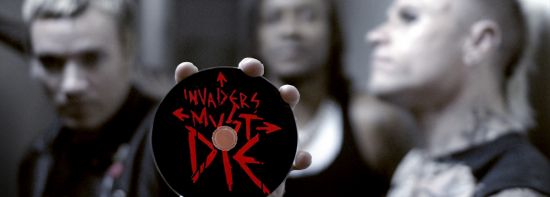
Time Flies! The Prodigy's Invaders Must Die LP was released exactly 17 years ago this day.
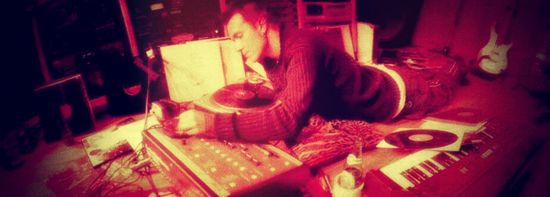
On this day, 27 years ago, The Prodigy released "The Dirtchamber Sessions Volume One".
There has been lots of speculation among the fans about whether there will ever be a Dirtchamber Sessions Volume 2. It's been 27 years since the original release, so it would be about time to get the part 2, but most likely it's not going to happen any time soon.
Read Decoded Magazine interview about the No Tourists and Dirtchamber sessions
See original Dirtchamber sessions release page and stories behind it
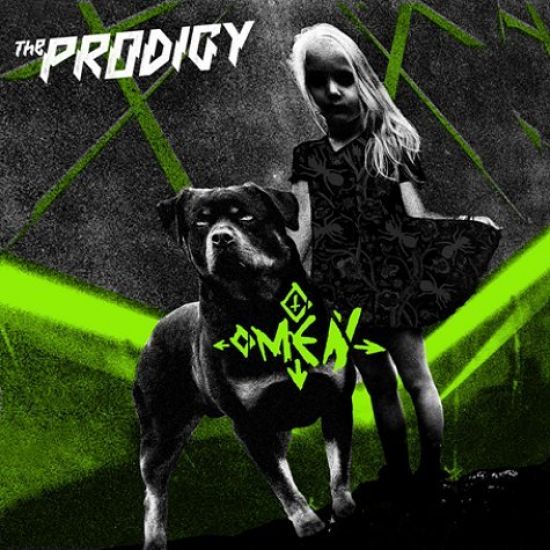
Omen is the nineteenth single released by The Prodigy. It was released on 16 February 2009, and it is the first commercial single from the album Invaders Must Die. The release was officially announced on 9 January, in a newsletter sent to fans and it was first played on BBC Radio 1 on 12 January.
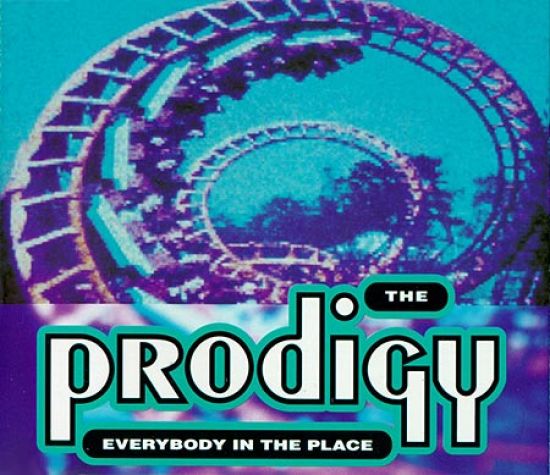
The second official single released by The Prodigy from their debut album "Experience" was released on 23 December 1991 through XL Recordings in the UK.

The Prodigy's most controversial single Smack My Bitch Up was released exactly 28 years ago this day.
29.05.2025
Some new (and lost) fan remixes added to the
downloads.
17.05.2026
Whole videography section is now updated with more content.
15.05.2026
In celebration of the new American tour, the Gigs section has been updated, and a new improved visual look has been rolled out across the entire site.
22.04.2026
Whole Photos section now revamped with some new photos.
06.04.2026
Articles sectiuion is again updated with slightly revamped layout. It
contains now over 656 new and old articles and scans in multiple different languages! Actually, it was over 80 articles added last year alone! The
aim is to build the ultimate Prodigy article archive for all fans and preserve all great
articles. So if you have any unlisted articles or scans please contribute now.
14.02.2026
Reviews section is now updated with new content.
30.10.2025
Whole Books section is now revamped and updated with more content.
10.05.2025
It's again nice to roll a update to my favourite section. Refined design and more info, articles and pics
added
to equipment section.
25.03.2025
Sample sources are now updated with new additions.
14.03.2025
Couple of new additions added to Collectables section. Also
some new photos and additional details added to the older items.
03.10.2024
Both live & collection
bootleg sections are updated with additional releases and info.
05.01.2024
Happy new year!
The remixes section is updated with more content.
18.03.2023
Facts-section is a bit revamped and updated.
04.01.2023
Massive update to the tracks section. Code is
also fixed.
24.10.2022
Whole compilations-section is updated and more
releases added.
17.07.2022
A huge update to discography section. Fixed broken links
and code. Plus added lots of new content to classic single & album releases.
15.04.2022
Added some new info about Leeroy's solo works and updated
discography.
07.03.2022
Gigs section is updated with upcoming UK gigs. Also added missing past
gigs and new content to them.
05.08.2021
All solo sections are now updated and code rewritten. Check them out: Liam, Leeroy, Keith, Maxim and Gizz.
12.12.2020
New info and pics added to the classic releases WEL, Charly,
Out of
Space, Wind It Up and Experience.
23.08.2020
Soundtracks section is now updated and slightly
revamped.
10.12.2019
Added some new info about Maxim's solo works and updated discography.
26.01.2019
Whole Promo section code is now fixed and more photos
added.
02.11.2018
Whole lyrics section is updated with No
Tourists
lyrics.
04.06.2017
Added more info to classic releases Take
Me To The
Hospital, links-section is updated and code fixed.
11.04.2009
Whole modules section is
finally updated and links fixed. Enjoy!
05.01.2009
Whole midi download section is now updated and fixed.
13.02.2008
Famous fans and Facts are now updated and
fixed.
29.07.2007
Tabs page fixed and more infos added.
13.04.2007
Updates to the specials section.
19.08.2006
Wallpaper page is now updated and fixed.
13.08.2006
WinAmp skins page is now updated and fixed.
05.08.2006
Whole ringtones page is now updated and fixed.
04.03.2006
Tracks-section is finally updated.
02.03.2004
A new VS mixes section opened!
07.07.2003
Some pics from Ruiscrock 2003 added to Keith's
solo
career -section
12th June 2026
Mallorca Live Festival
Calvià, Spain
20th June 2026
Sónar
Barcelona, Spain
25th June 2026
Provinssi Festival
Seinäjoki, Finland
27th June 2026
Wondersala
Riga, Latvia
2nd July 2026
Rock Werchter Festival
Werchter, Belgium
4th July 2026
Sopronfest
Sopron, Hungary
10th July 2026
Audioriver Festival
Łódź, Poland
11th July 2026
Pohoda Festival
Trenčín, Slovakia
17th July 2026
Iconica Santalucia
Sevilla, Spain
18th July 2026
Festival Internacional de Benicàssim
Benicàssim, Spain
27-31 July 2026
Rockstadt Extreme Festival
Ghimbav, Romania
2nd August 2026
Vidas Art Arena
Sofia, Bulgaria
7th August 2026
PSM Loves Summer
Istanbul, Turkey
13th August 2026
Stadion Grbavica
Sarajevo, Bosnia and Herzegovina
20th August 2026
IMMA
Dublin, Ireland
22nd August 2026
The National Bowl
Milton Keynes, England
29th August 2026
Summer Sessions
Edinburgh, Scotland
30th August 2026
Wythenshawe Park
Manchester, England
19th September 2026
Shaky Knees Festival
Atlanta, USA
20th September 2026
Louder Than Life
Louisville, USA
24th September 2026
Roadrunner
Boston, USA
25th September 2026
CBGB Festival
New York, USA
24th October 2026
Sick New World
Forth Worth, TX, USA
14th November 2026
Unity Arena
Oslo, Norway
15th November 2026
Avicii Arena
Stockholm, Sweden
17th November 2026
Royal Arena
Copenhagen, Denmark
18th November 2026
Mitsubishi Electric Halle
Düsseldorf, Germany
20th November 2026
Hanns-Martin-Schleyer-Halle
Stuttgart, Germany
21st November 2026
Velodrom
Berlin, Germany
23rd November 2026
O2 Arena
Prague, Czech Republic
24th November 2026
Stadthalle
Vienna, Austria
27th November 2026
Forest National
Brussels, Belgium
28th November 2026
Ziggo Dome
Amsterdam, Holland
This website is dedicated to the British electronic band The Prodigy! The site contains most of the stuff you would ever like to know about the band. Since 1998 this site has been easily one of the biggest The Prodigy information sources around, so I hope you will enjoy while browsing it! More info about my site and me can be found from the about section.
If you can't find something you can always try to search it:
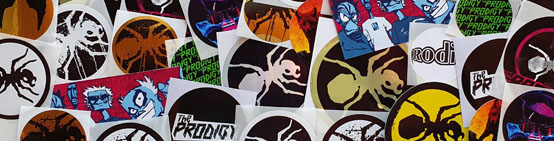
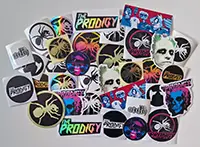
Big set of The Prodigy stickers. 17 different designs (2 of each) and total of 34 stickers. Sticker sizes vary from 9 cm to 3,5 cm. Order here >